How to actually make your Anatol IR lamps last
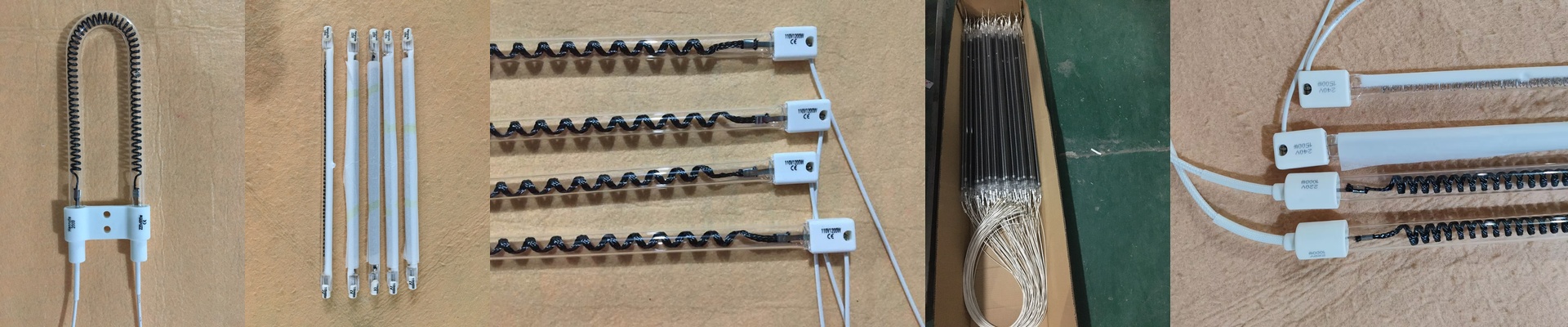
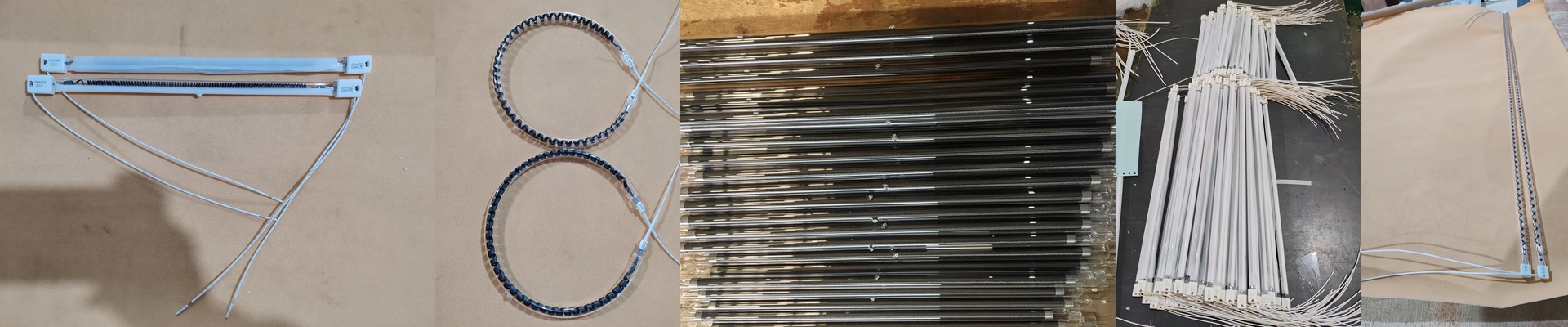
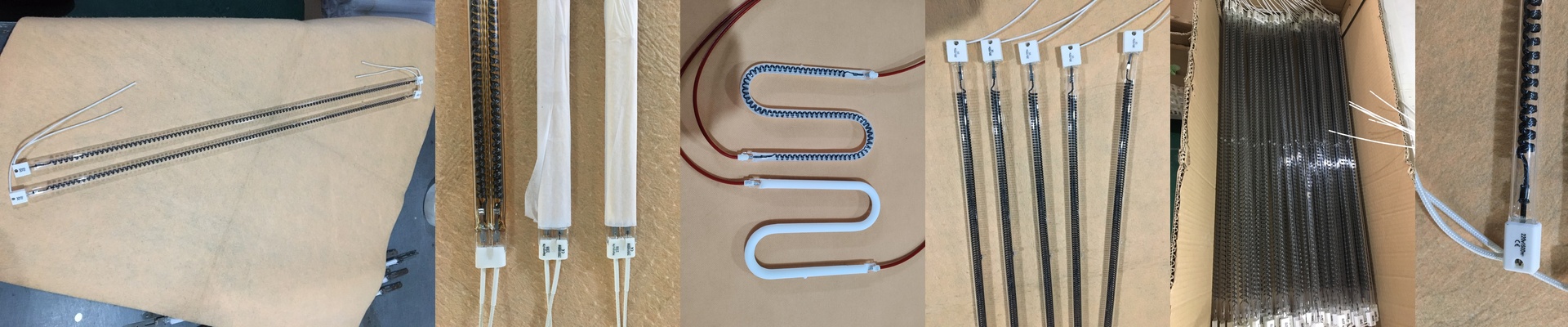
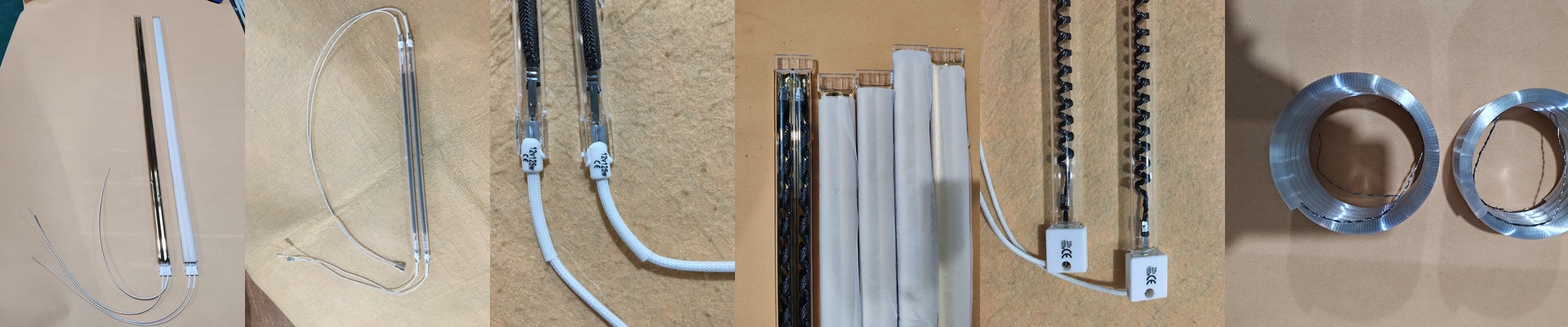
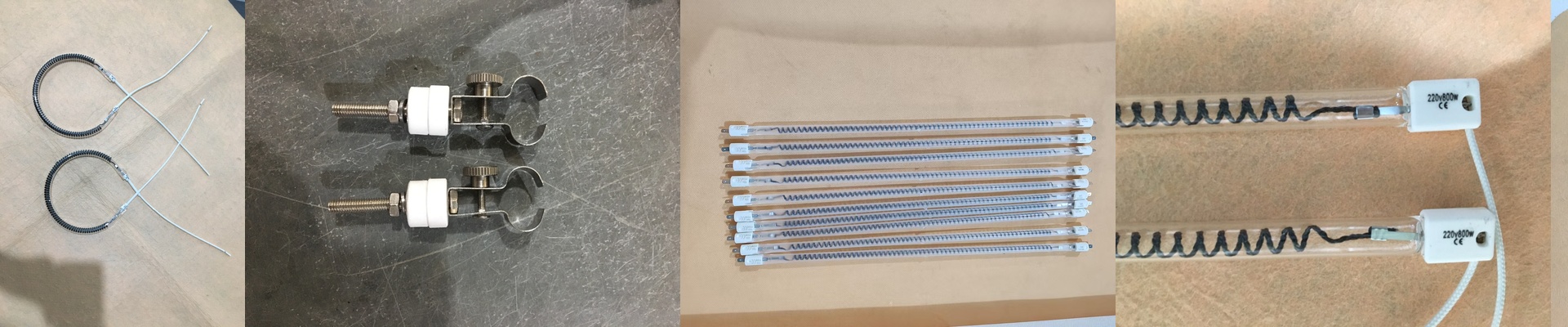
If you’re running an Anatol printer, you know that keeping your heat steady is everything. But here’s the thing: when you start looking at high-spec domestic alternatives for your quartz lamps, you can’t just look at the wattage and call it a day. It’s not just about the power. It’s about how the light hits the ink and how fast that filament wears down. The truth about the filament Think of a quartz lamp as a balancing act between heat and survival. We use high-purity quartz glass because, frankly, anything else would warp the second things got hot. Inside, there’s a halogen cycle happening. The gas basically catches evaporated tungsten and puts it back on the filament. It’s a clever little loop. But it’s fragile. One tiny mistake—like touching the glass with your bare fingers—leaves oils behind. Those oils create “hot spots.” And once you have a hot spot, your lamp is on a fast track to burning out. Getting the heat right To get the same punch as the OEM lamps, you have to care about emissivity. We make sure our tubes hit the exact wavelength your ink needs to cure properly. There’s a temptation to push the voltage higher to get a faster warm-up. Sure, it’s quicker. But it kills the lamp. We prefer to find that sweet spot where the lamp isn’t running “too hot,” but your print head and substrate are still hitting the target temperature. Real-world shop floor tips Domestic replacements save you money, but only if you install them right. If the lamp isn’t seated perfectly in the reflectors, you’re throwing away 10-15% of your heat. Most operators just crank up the power to make up for that loss. That’s a mistake. You’re just cooking the filament for no reason. And please, keep your reflectors clean. Dust is a silent killer here. It blocks the IR radiation and traps heat inside the tube. Clean the dust. Seat the lamp. Don’t touch the glass. Your equipment will thank you.