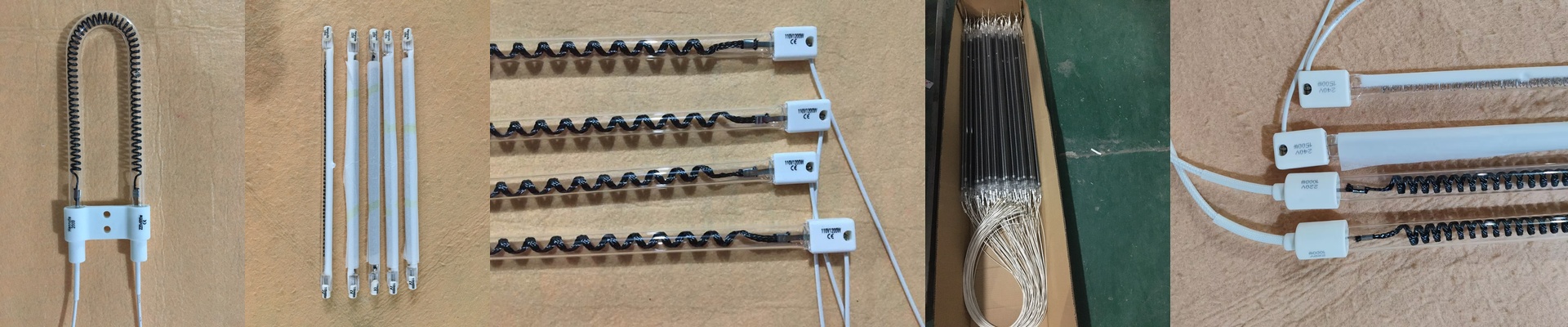

Getting the Heat Right on Your Sulfet Rotary Printer
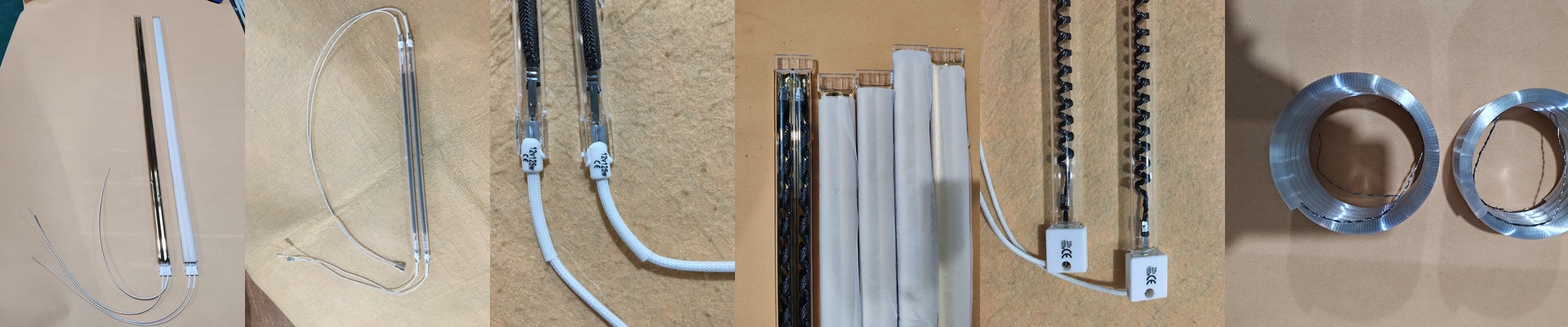
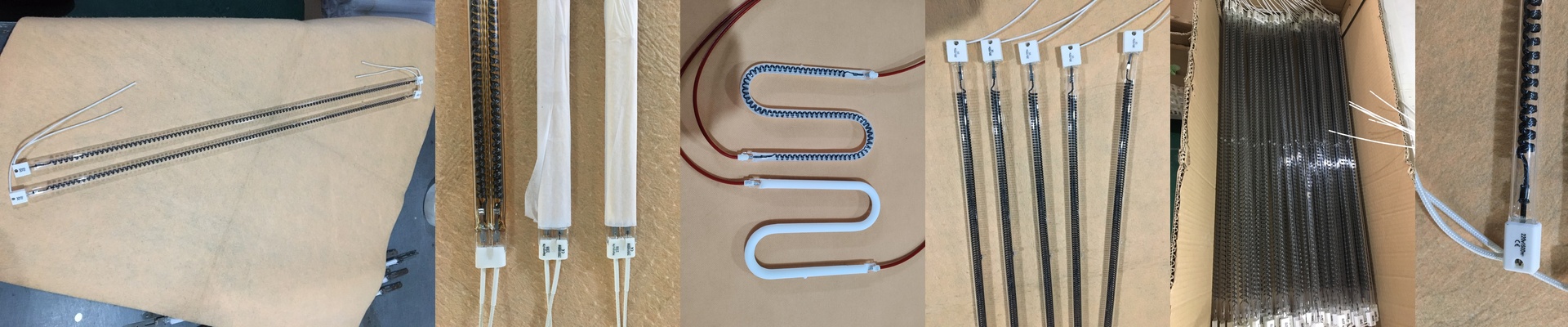
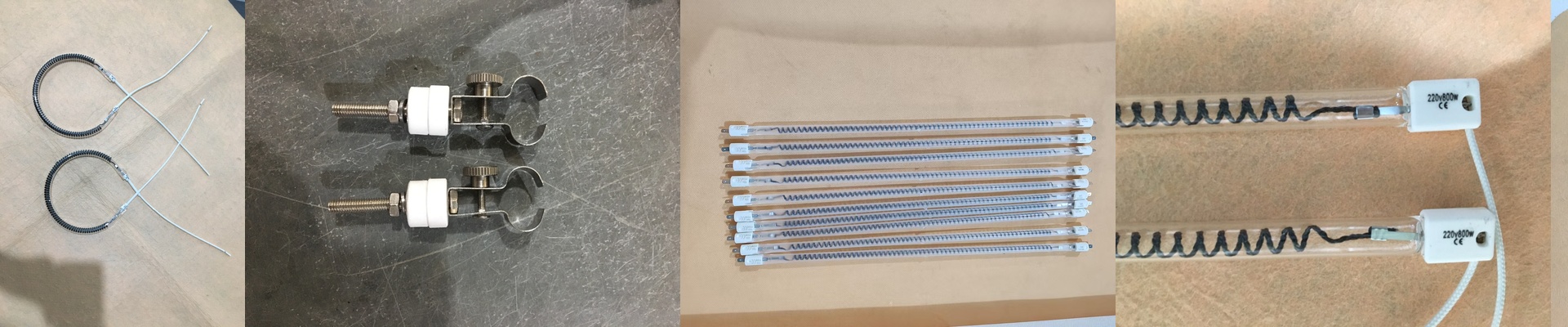
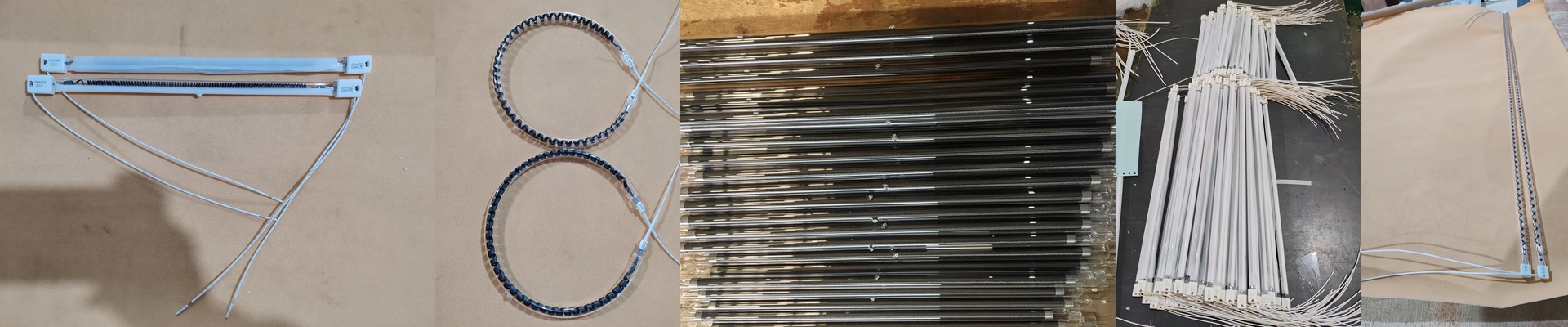
If your temperature isn’t consistent across that rotary screen, you’re asking for trouble. One minute you’ve got a crisp print, and the next? A smeared mess. To stop that from happening, we rely on R7s quartz heating bulbs. They hit the ink with fast-acting infrared energy to get everything cured and set exactly when it needs to be. Let’s talk power. These lamps pack a lot of punch into a small space. But here’s the thing: you have to be careful with the specs. When you’re picking out a replacement, make sure the voltage and wattage match your machine’s transformer perfectly. If they don’t, you’re looking at two bad options: either the ink doesn’t cure properly, or you blow the filament way sooner than you should. We carry a bunch of different lengths, so they’ll actually fit the drying tunnel of whichever Sulfet model you’re running. Why quartz and R7s? We use high-purity quartz glass because this stuff takes a beating. It can handle the shock of heating up and cooling down over and over without cracking. The R7s base is a lifesaver. It’s just a push-in spring contact. That means you can swap a bulb out in seconds without having to rewire the whole housing. It’s a simple drop-in. Some of our bulbs even have a halogen gas fill. This keeps the tungsten filament from wearing out as fast by pushing the heat back into the tube. The trade-off You get incredible heat density, which means you can crank up your line speed. But there’s a catch. Because these bulbs get so hot, your reflectors have to stay spotless. If dust or ink builds up on them, the heat gets trapped. That’s how you end up with cracked quartz or a warped machine frame. Before you wire up a high-wattage array, just double-check that your cooling fans are actually working. Trust me, it’s a lot easier to check a fan now than to fix a melted component later.